
Lesson 1.3 | Module 1: Get Set Up
Seat And Steering Position
Set your body up so the pedals and steering wheel feel easy to control.
Visual Guide
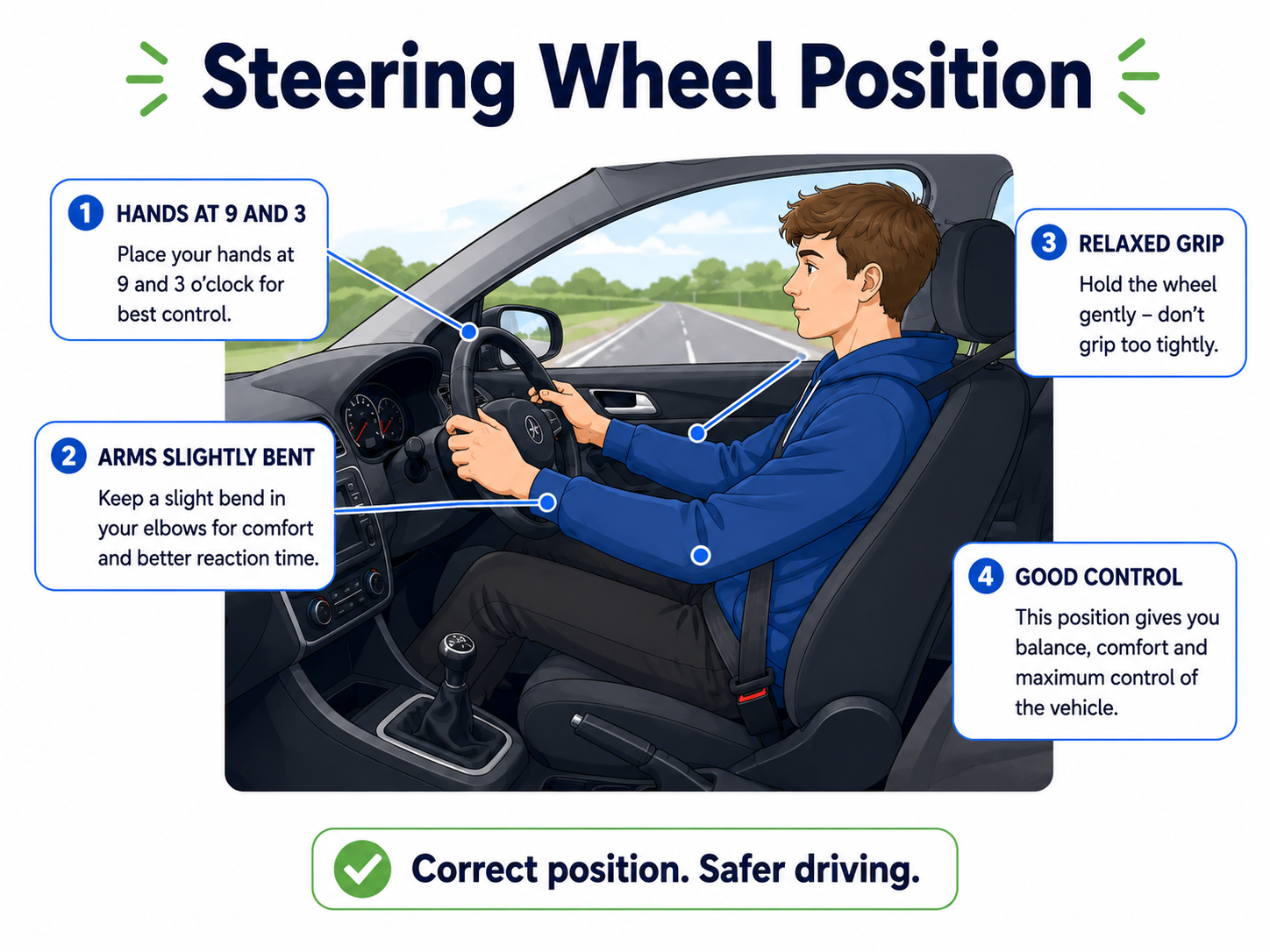
Visual Guide
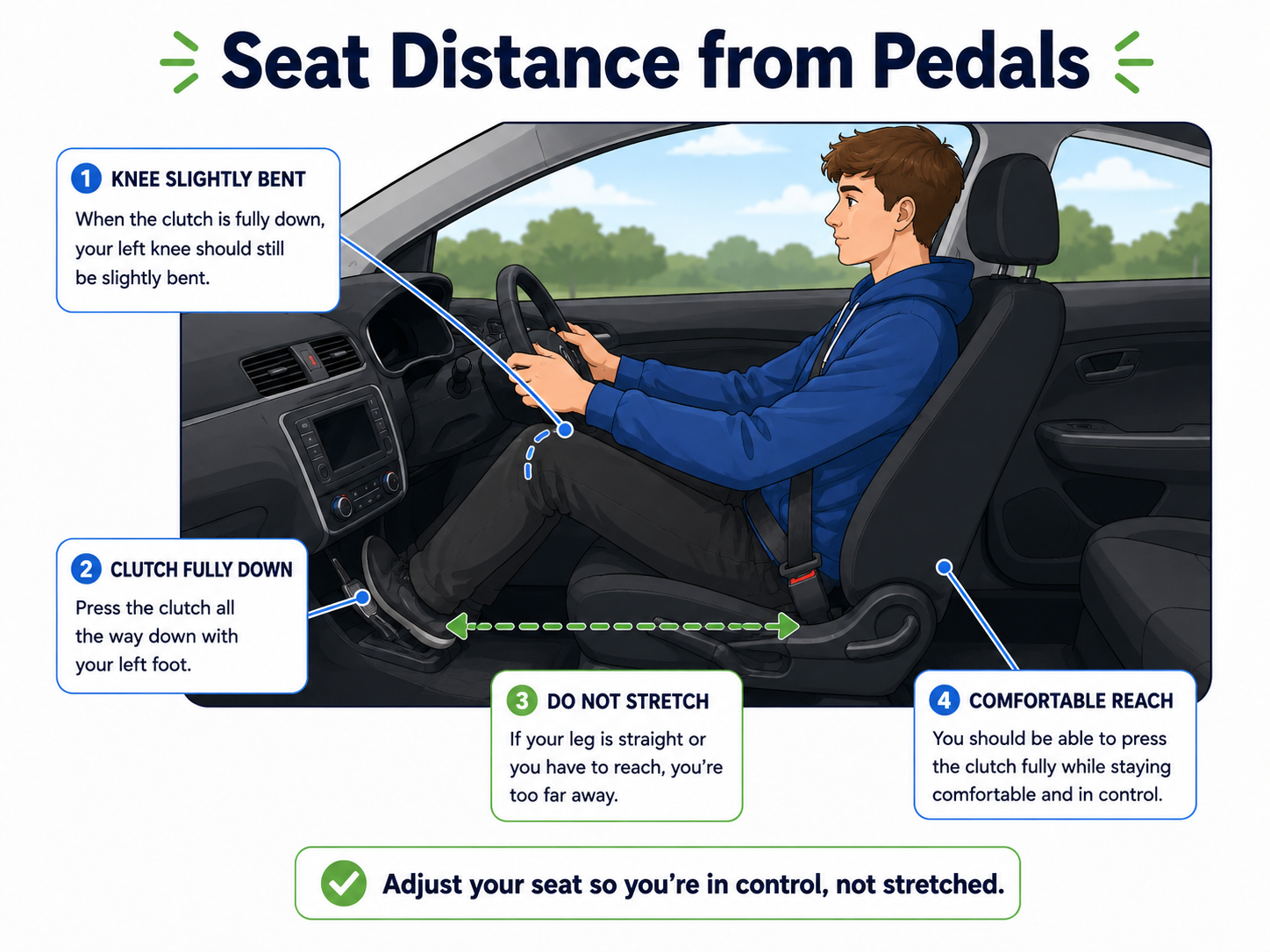
Main Video
Useful chapter: steering and hand position starts around 1:21 in the steering video.
What This Helps With
If the seat is wrong, everything feels harder: clutch control, braking, steering, mirrors, and blind spot checks.
The Simple Version
You should be able to press the clutch fully down without stretching, steer without locking your arms, and see the road and dashboard clearly.
Common Mistakes
- Sitting too far back and stretching for the clutch.
- Sitting too close and feeling cramped.
- Blocking the dashboard with the steering wheel.
- Holding the wheel too tightly because the seat feels wrong.
What Examiners Care About
They will not mark your seat position directly, but poor setup can cause stalls, harsh braking, poor steering, and missed observations.
Practise On Your Next Lesson
Before moving off, press the clutch all the way down and check that your leg still has a slight bend.
Ask Your Instructor
"Does my seat position make clutch control easier or harder?"
Quick Self-Check
- Can I press the clutch fully without stretching?
- Can I steer without leaning forward?
- Can I see the dashboard clearly?